Create Contracts
-
Login to your GstBillBooks(https://gstbillbooks.com/) application account.
-
Choose Contract on the left side menu.
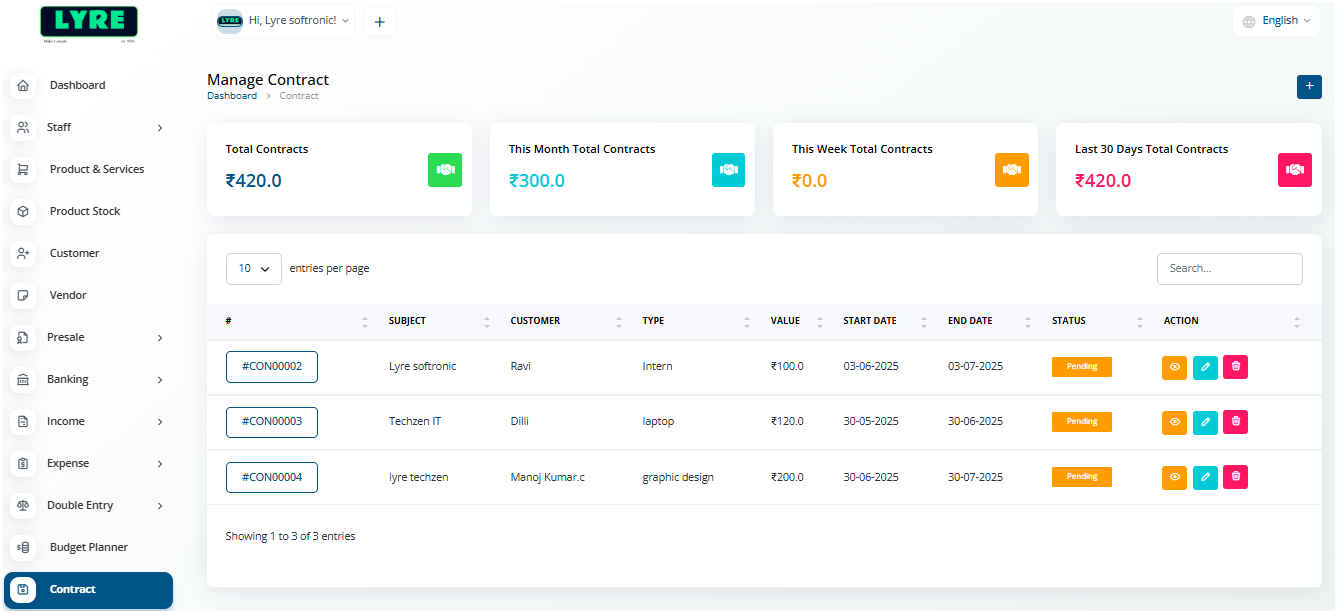
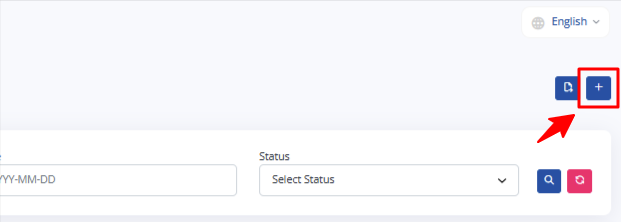
- Click on the '+' plus button on top right side to create.
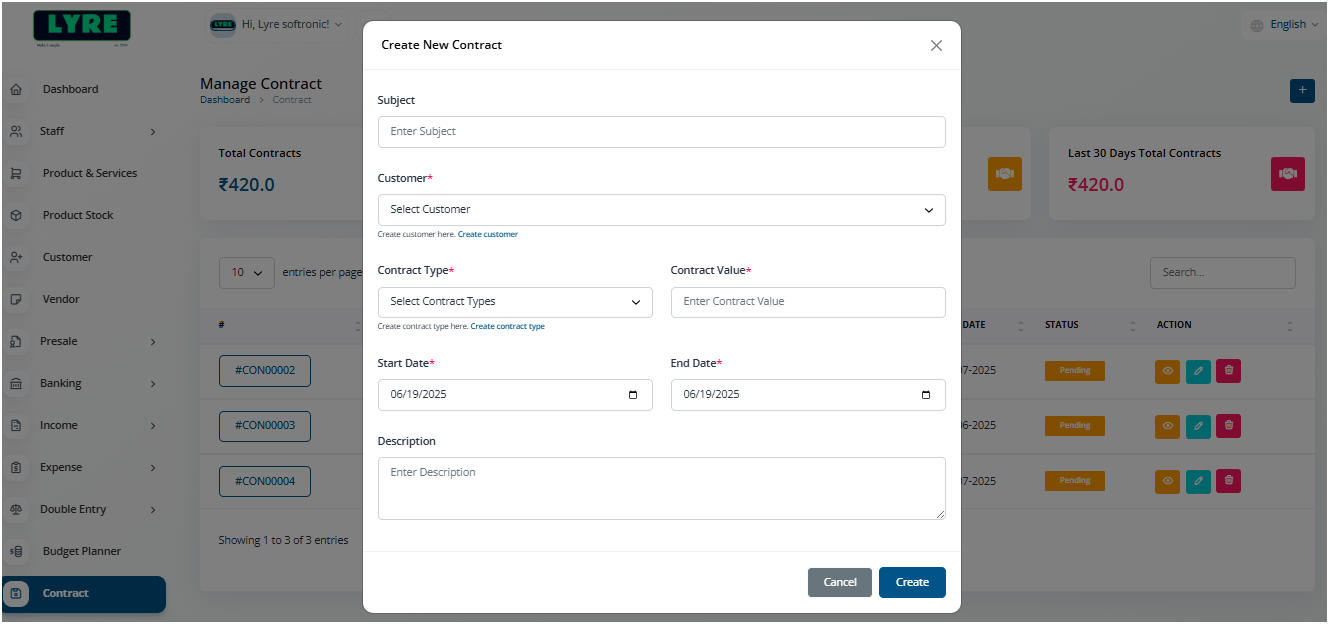
- On the create page fill in the details, amount and duration.
- Once done you can see the contract on the contact menu view.
- Click on the created contact on the list to view the contract.
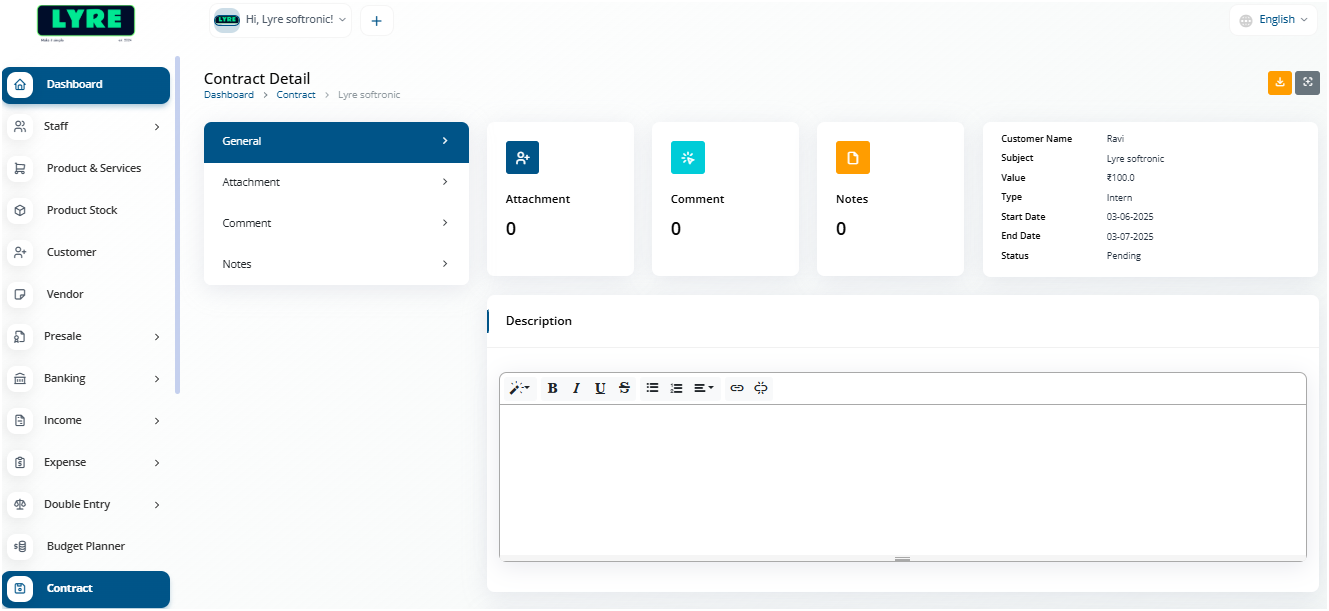
You can now add attachments and send email to the contract customer with the listed options.