Create Products and Services
Please follow the below steps to create a product or service
-
Login to your GstBillBooks(https://gstbillbooks.com/) application account.
-
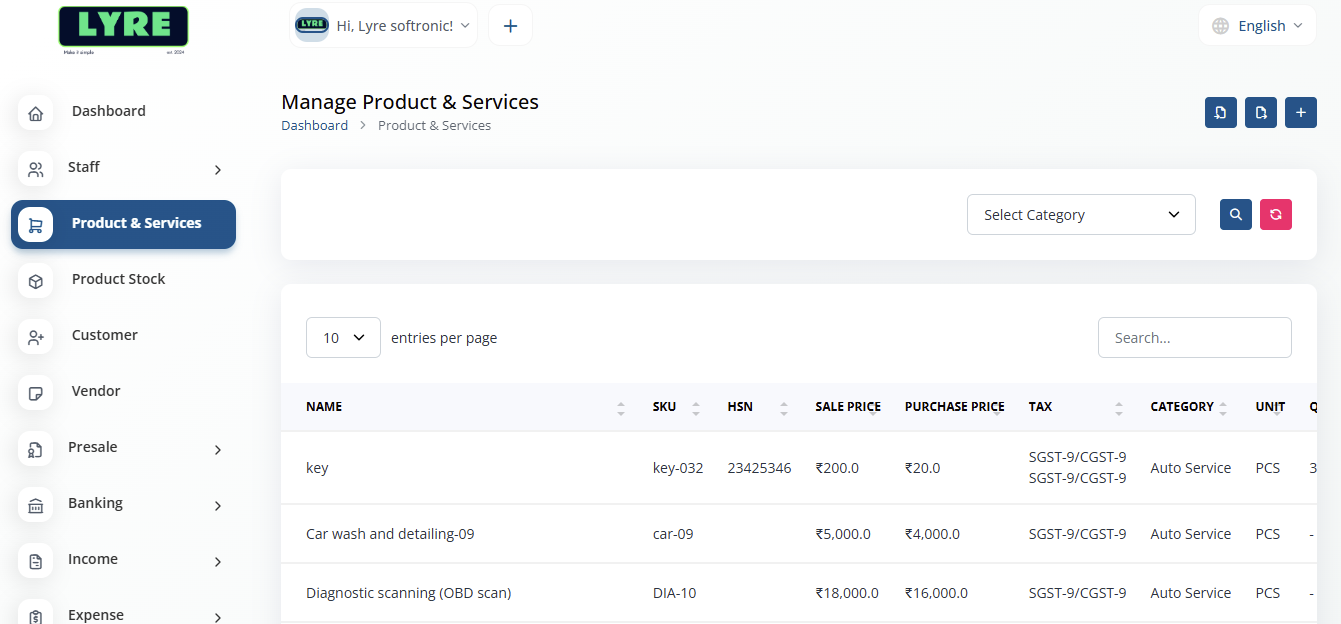
Choose Product and Services on the left side menu.
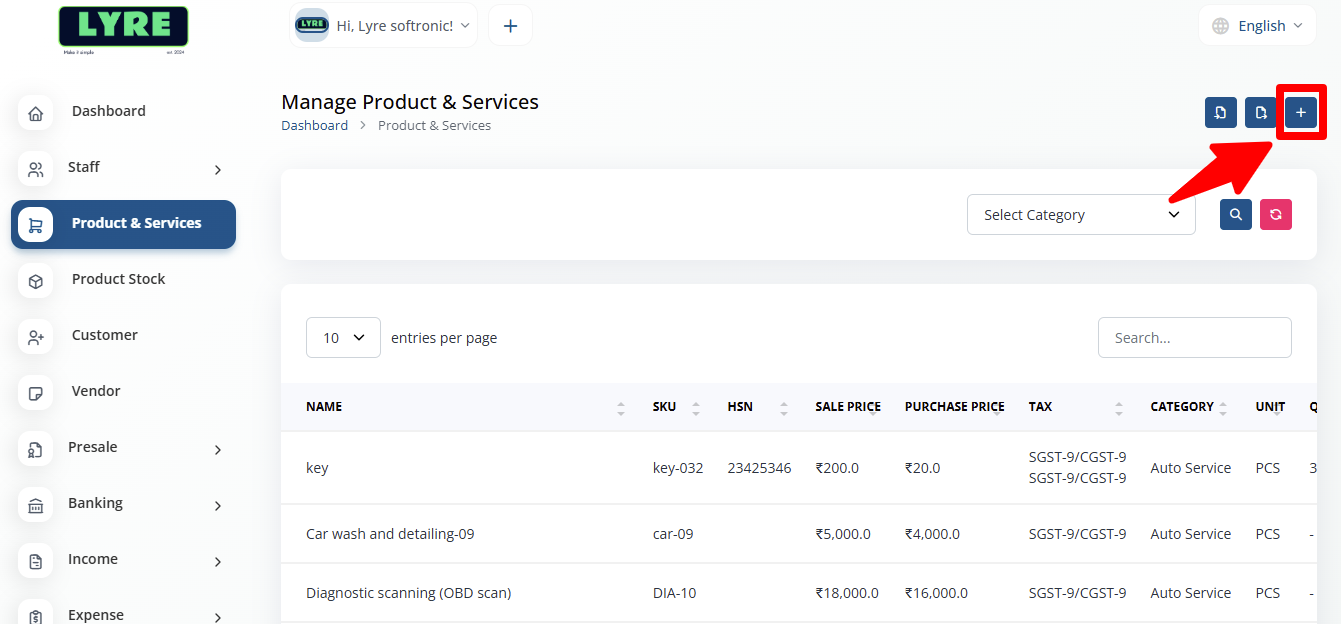
- Click on the '+' plus button on top right side to create.
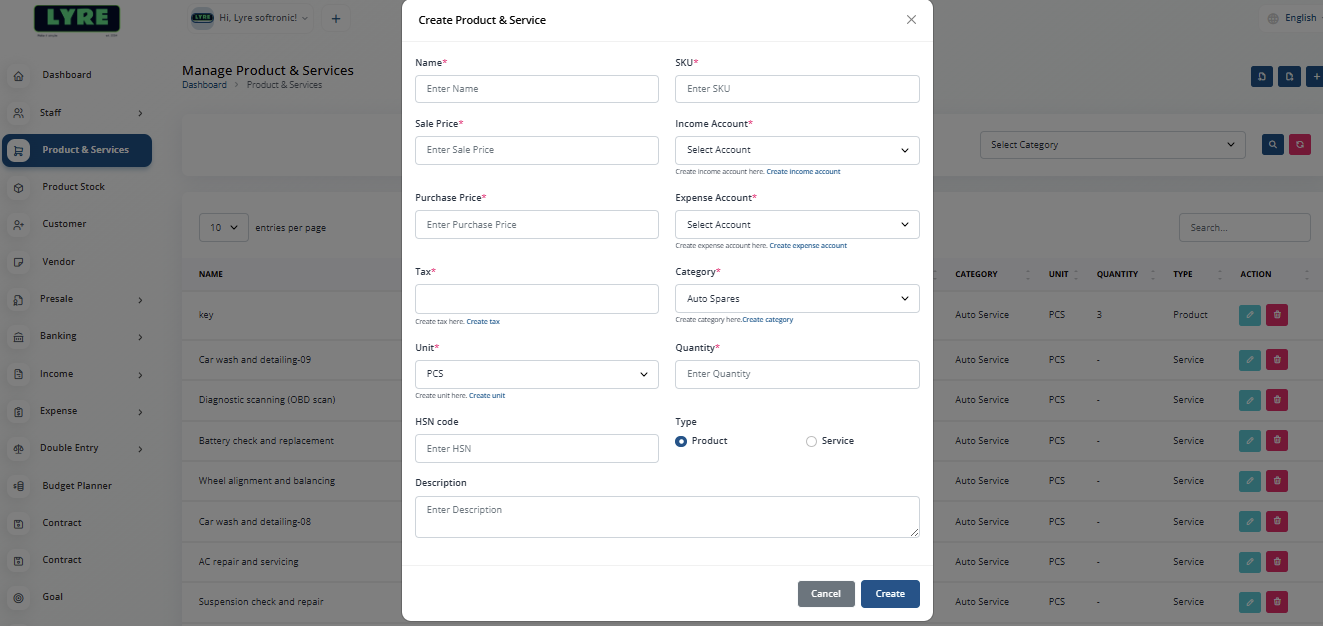
- Fill all the fields and choose product category of your choice and choose Tax.
Note
To create Category and Tax, please refer the document New Account Setup
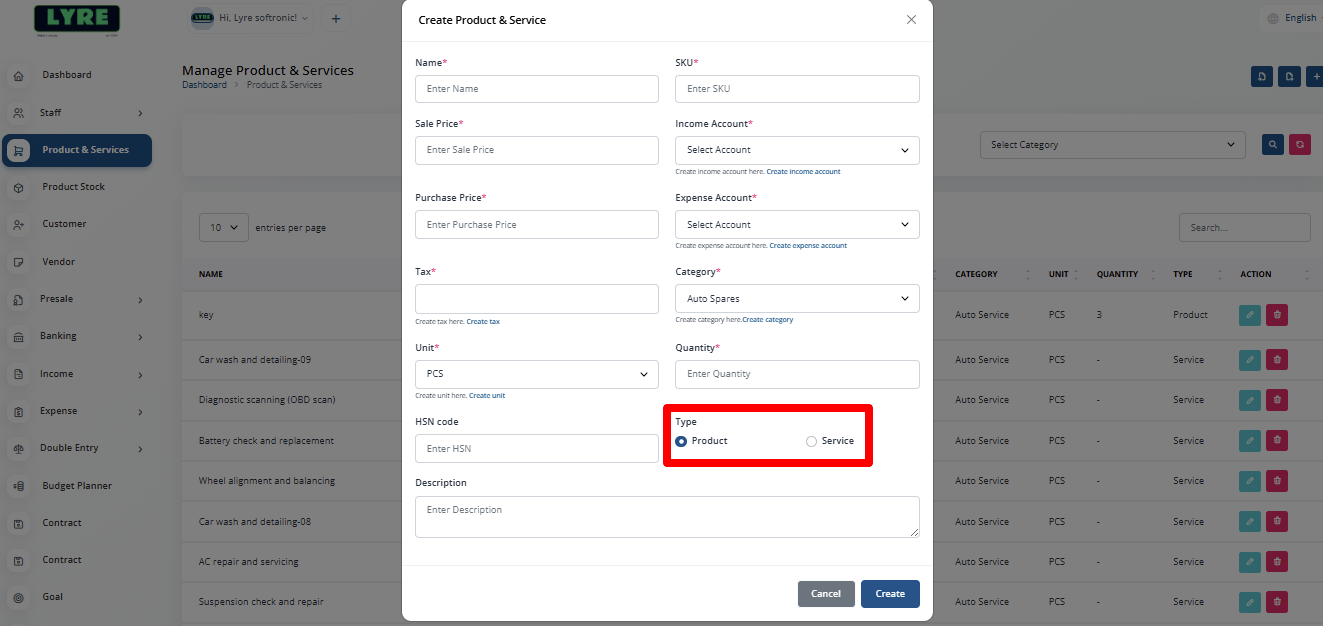
- To choose between Product or Service please select the type and click create.