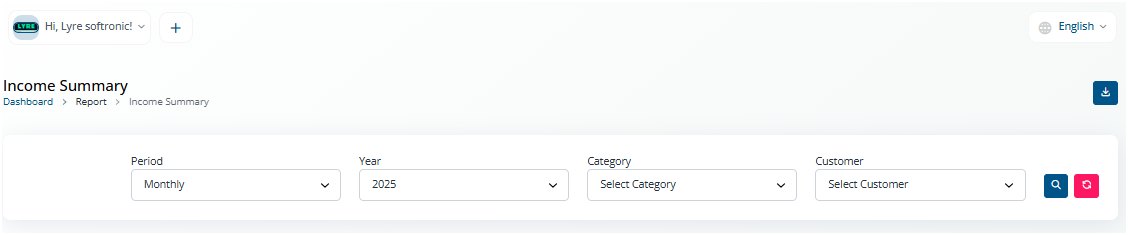
Run Reports
-
Login to your MaFactureDevis(https://mafacturedevis.com) application account.
-
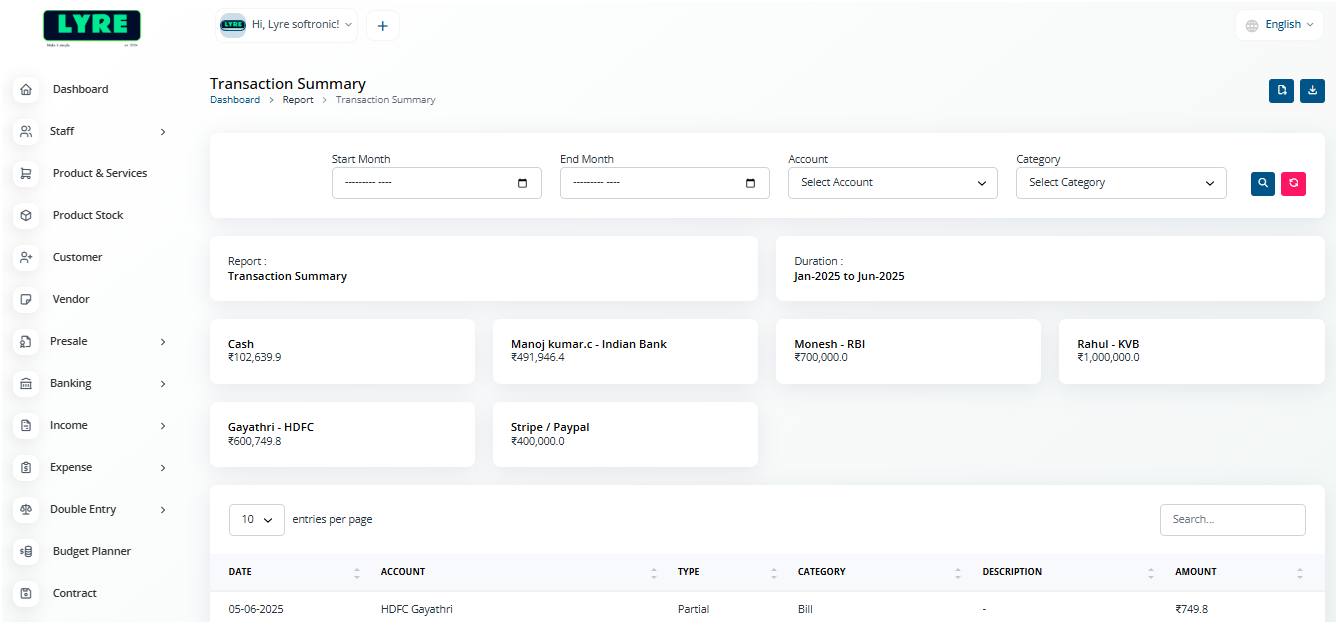
Choose Reports on the left side menu.
-
You can choose any report type you are looking for from the list of reports.
-
Enter the date range or year based on the report, and sort the data according to your needs.
-
In the below screenshot we have the report of Sale category based on customer.
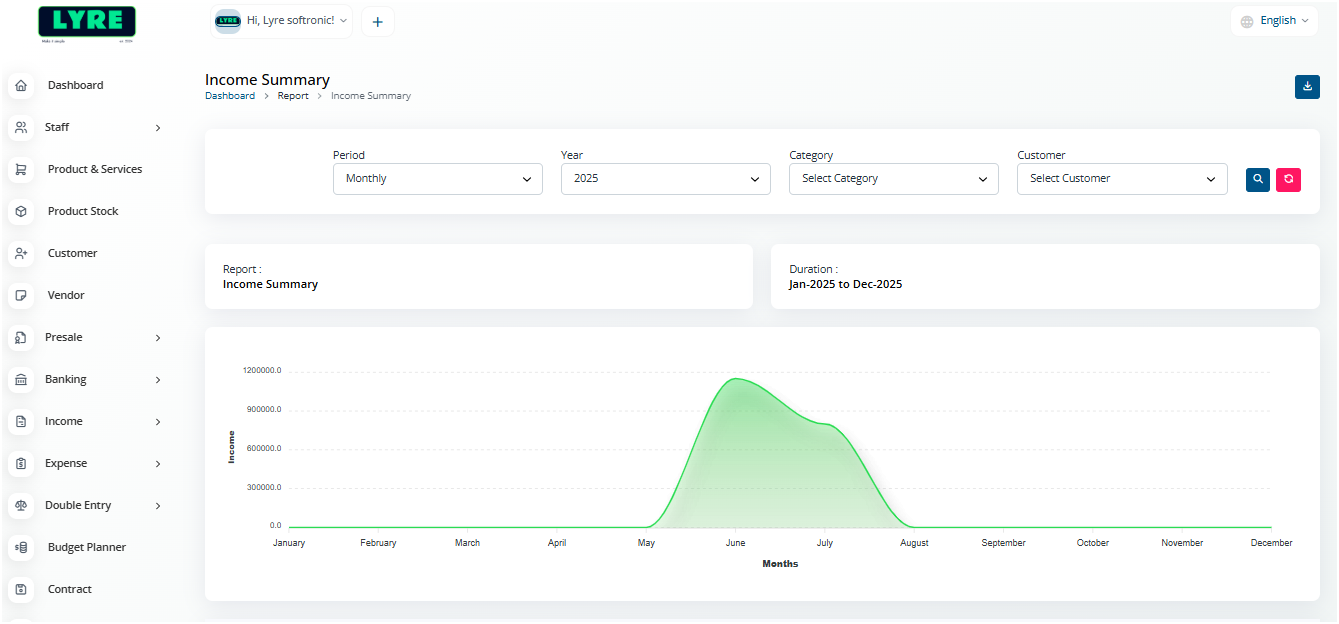
- You can also Download reports using the download button at the top right side of the report page.